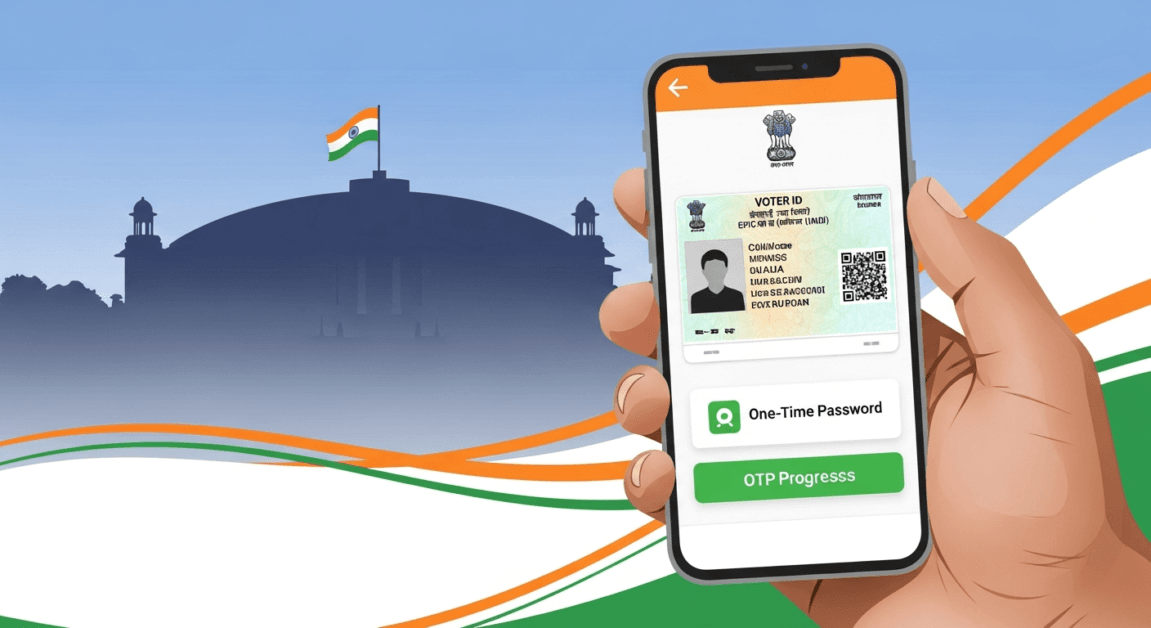
link mobile number to voter id online
Website: https://networkbharat.com
Author: Krishna Arya
link mobile number to voter id online : In a major step towards digital empowerment of voters, linking your mobile number with your Voter ID (EPIC) has become essential to access modern voter services like e-EPIC, real-time election updates, and online corrections. The process is simple, quick, and can be completed from home in just a few minutes.
If you are wondering why mobile linking matters, how to do it online, and what benefits you get, this complete guide explains everything in clear, human-friendly language.
📌 Why Linking Mobile Number with Voter ID Is Important
The Election Commission of India (ECI) is steadily moving towards a paperless and transparent electoral system. By linking your mobile number with your Voter ID:
- You get instant access to e-EPIC (digital voter card)
- Receive polling booth, date, and time updates
- Track voter services without visiting any office
- Reduce chances of duplicate or fake voter entries
- Get OTP-based secure access to voter portals
Simply put, your mobile number becomes your digital key to all voter-related services.
Visit the Official Portal
Go to the NVSP website: https://voters.eci.gov.in
🖥️ How to Link Your Mobile Number to Voter ID Online (Step-by-Step)
You can link your mobile number online using the National Voters Service Portal (NVSP) or the Voter Helpline App.
Step 1: Visit the Official Portal
Go to the NVSP website: https://voters.eci.gov.in
Step 2: Sign Up or Log In
- New users must register using a mobile number and email
- Existing users can log in using OTP or password
Step 3: Select Form 8
Click on “Fill Form 8” and choose
👉 Correction of entries in existing electoral roll
Step 4: Enter Voter Details
- Select your state, district, and constituency
- Enter your EPIC (Voter ID) number
Step 5: Update Contact Details
Your voter details will appear automatically.
- Enter your mobile number
- Email ID is optional
- Aadhaar details are optional, not mandatory
Step 6: Verify & Submit
- Accept the declaration
- Enter captcha
- Verify OTP sent to your mobile
- Submit the form and save the reference number for tracking
That’s it! Your request will be processed within a few days.
📱 Can You Link Mobile Number Offline? Yes!
If you are not comfortable with online platforms, you can:
- Visit your Booth Level Officer (BLO)
- Contact the Electoral Registration Officer (ERO)
They will help you link your mobile number with your Voter ID free of cost.
📄 Documents Required for Mobile Linking
You only need minimal details:
- Voter ID / EPIC number
- Active mobile number
- Aadhaar card (optional)
No lengthy paperwork, no agents, and no fees involved.
🎯 Benefits After Linking Mobile Number to Voter ID
Once your mobile number is linked, you can:
- Download e-EPIC instantly
- Track voter application status online
- Receive election alerts & reminders
- Make future corrections easily
- Access all ECI services from your phone
This small step ensures big convenience and transparency.
🔔 Important Things to Remember
- Mobile linking is safe and secure
- Aadhaar is not compulsory
- Always use official ECI portals only
- Keep your mobile number active for OTP verification
#VoterID #EPIC #MobileLinking #eEPIC #NVSP #IndianVoters #ElectionCommission #HowToGuide
✅ link mobile number to voter id online
Linking your mobile number to your Voter ID is no longer optional—it’s a smart and future-ready move for every Indian voter. With just a few clicks, you stay informed, empowered, and election-ready without standing in queues.
For more verified updates, step-by-step guides, and election news, stay connected with Network Bharat.
🗳️ Your vote matters. Stay digitally connected.