Table of Contents
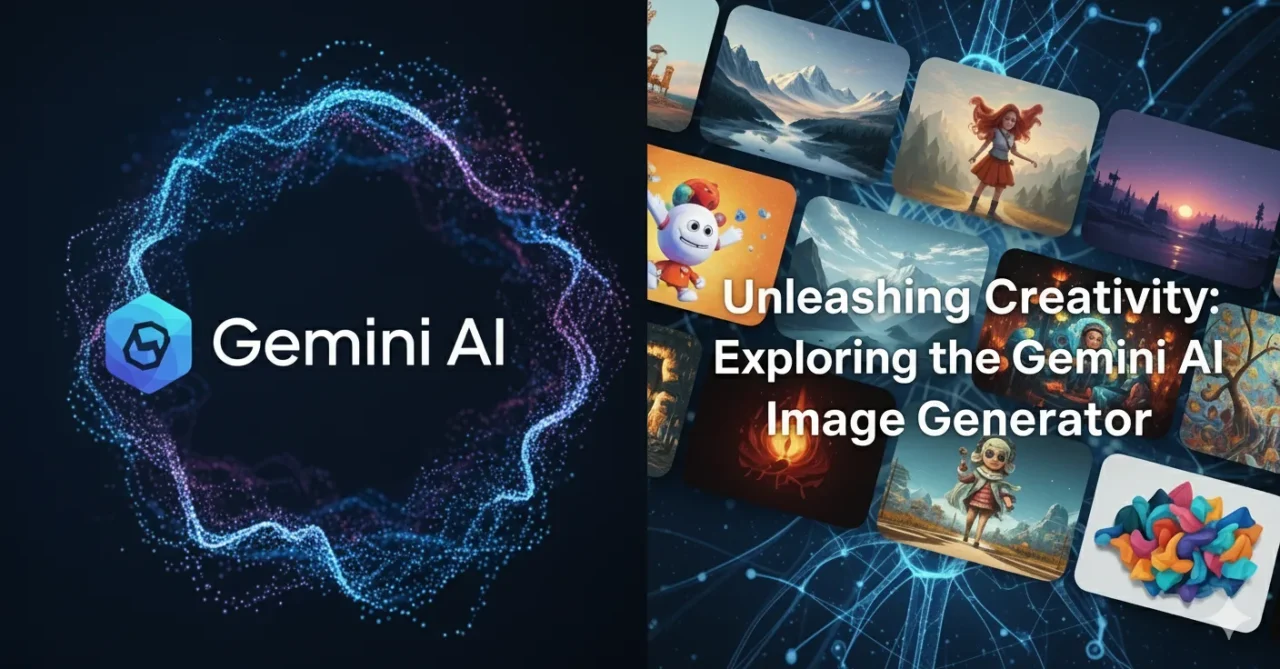
The Gemini AI image generator is a groundbreaking tool that is revolutionizing the world of digital creation. In an era where artificial intelligence is becoming more accessible, this powerful tool allows anyone to transform their ideas into stunning visuals, simply by typing a few words. Whether you’re a seasoned artist, a busy marketer, or just someone looking to have fun with technology, the Gemini AI image generator offers an intuitive and powerful way to bring your imagination to life. This guide will walk you through what it is, how it works, and how you can use it to create amazing art.
What is a Gemini AI Image Generator?
The Gemini AI image generator is a cutting-edge feature powered by Google’s advanced Gemini AI models. It is a text-to-image tool, meaning you can input a textual description—known as a “prompt”—and the AI will generate a unique, high-quality image that matches your description. Unlike traditional digital art, which requires extensive skills and software, this technology democratizes creativity. You don’t need to be a professional designer to create beautiful visuals. The AI handles the complex rendering and composition, allowing you to focus purely on the creative concept.
How the Technology Works Behind the Scenes
The technology powering the Gemini AI image generator is incredibly sophisticated. It relies on a type of AI called a large language model (LLM), specifically the Gemini family of models. These models have been trained on an immense dataset of images and their corresponding text descriptions from the internet. This training allows the AI to understand the relationship between words and visual concepts.
When you enter a prompt, the Gemini AI image generator doesn’t just pull up an existing image. Instead, it uses its learned knowledge to create a brand new, never-before-seen image pixel by pixel. The AI interprets the nuances of your prompt, understanding things like style (e.g., “photorealistic,” “watercolor”), lighting (e.g., “golden hour,” “neon glow”), and composition (e.g., “wide shot,” “close-up”). The more descriptive and detailed your prompt is, the better the final result from the Gemini AI image generator will be.
A Step-by-Step Guide to Using the Gemini AI Image Generator
Getting started with the Gemini AI image generator is simple. Here’s a quick breakdown of the process:
- Access the Tool: Locate the tool within the Google ecosystem, which might be integrated into search, a standalone application, or a feature within a larger platform.
- Write Your Prompt: This is the most crucial step. Think of your prompt as a command to the AI. Be as descriptive as possible. Instead of “a cat,” try “a photorealistic ginger tabby cat wearing a tiny space helmet, floating in a nebula, cinematic lighting.” The level of detail you provide directly impacts the quality of the output from the Gemini AI image generator.
- Generate the Image: Click the “Generate” button. The AI will take a few moments to process your request and create the image.
- Review and Refine: The Gemini AI image generator will present one or more images based on your prompt. If the result isn’t exactly what you envisioned, you can refine your prompt and try again. For instance, you could add details like “8K resolution,” “unreal engine,” or “fantasy art.”
The Art of Prompt Engineering for the Best Results
Creating great art with the Gemini AI image generator is an art form in itself—often called “prompt engineering.” To get the best results, consider these tips:
- Be Specific: Mention the subject, action, location, and any key details.
- Add Style and Mood: Use keywords like “oil painting,” “digital art,” “cyberpunk,” “dreamy,” or “dystopian.”
- Specify Lighting and Composition: Describe the light source (“backlit,” “studio lighting”) and the shot type (“full-body shot,” “macro close-up”).
- Include Artist or Art Movement References: For a specific style, try adding “in the style of [artist’s name]” or “a Renaissance painting.”
Mastering these techniques will unlock the full potential of the Gemini image generator for your creative projects.
Who Can Benefit from the Gemini AI Image Generator?
The applications for the Gemini AI image generator are vast and varied. It is not just for artists; it can be a valuable tool for:
- Digital Marketers: Quickly create unique visuals for social media posts, blog headers, and ad campaigns.
- Bloggers and Content Creators: Generate custom, royalty-free images to accompany articles and presentations.
- Students and Educators: Create visual aids for school projects, reports, or classroom materials.
- Game Developers: Quickly prototype concept art for characters, environments, or game assets.
- Entrepreneurs: Design logos, product mockups, and branding materials on a budget.
The accessibility and speed of the Gemini AI image generator make it an essential tool for anyone needing high-quality visuals without the time or expense of a professional designer.
The Future of Creativity with AI
The Gemini AI image generator is just the beginning of what’s possible with artificial intelligence in the creative space. As the model continues to improve and understand more complex requests, we can expect to see even more realistic, detailed, and creative outputs. The line between human-made art and AI-generated art will continue to blur, opening up new forms of collaboration between people and machines. The Gemini AI image generator is not about replacing human creativity, but about augmenting it, giving us new superpowers to visualize and share our ideas with the world.
Conclusion
The Gemini AI image generator represents a significant leap forward in AI-driven creativity. By making advanced image creation accessible to everyone, it empowers us to express ourselves in ways we never thought possible. Whether for professional or personal use, learning to harness the power of this tool is a worthwhile endeavor. Start experimenting with your own prompts today and see what amazing images you can create with the Gemini AI image generator.
FAQs about the Gemini AI Image Generator
Q1: Is the Gemini AI image generator free to use? A: Access to the Gemini AI image generator may vary. Some versions might be free for personal use, while others might be part of a subscription or a tiered service. It is best to check the official Google platform for the most current information.
Q2: Can I use images from the Gemini AI image generator for commercial purposes? A: The commercial use of images created by the Gemini AI image generator depends on the terms of service provided by Google. Always review the usage rights and licensing agreements before using AI-generated content for commercial projects.
Q3: How do I improve the quality of the images I generate? A: To get better results , focus on refining your prompts. Be highly specific with your descriptions, including details about style, lighting, composition, and subject matter. Experiment with different keywords and phrases to see what works best.
Hashtags #GeminiAIImageGenerator #GoogleGemini #AIArt #TextToImage #AIgenerator #DigitalArt #CreativeTools